Beyond Barriers: Building Truly Inclusive Web Experiences

Rajat Mehra / October 14, 2025
5 min read
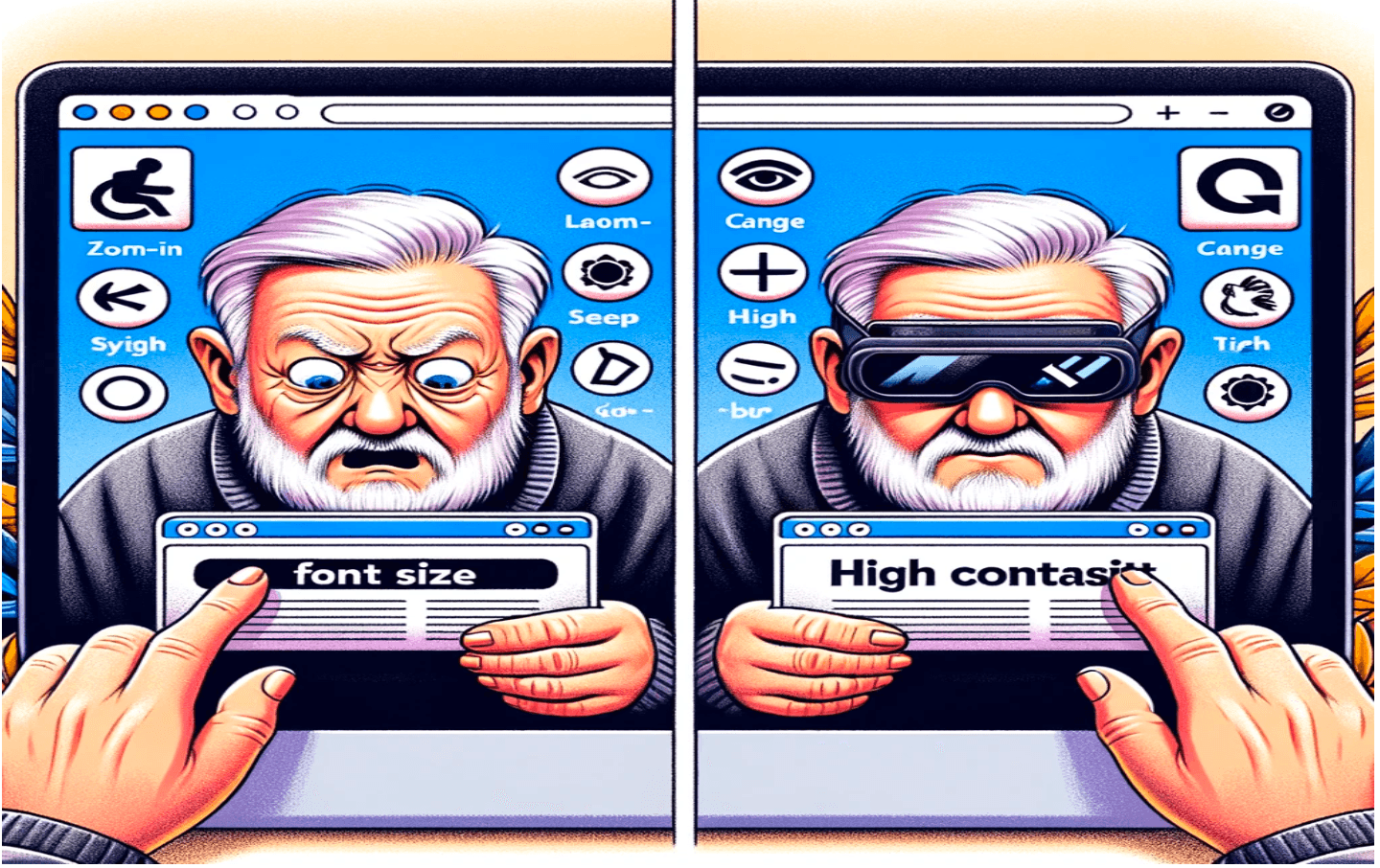
When did you last use an app one-handed? Holding coffee, steadying a table, or just because. You didn't think "accessibility test"—you just expected it to work.
It probably didn't, in ways you never noticed. The button that vanished in sunlight. The form that wouldn't submit without a mouse. Bad accessibility doesn't crash—it just makes people quietly leave.
What Accessibility Actually Means
Accessibility isn't a compliance box to check. It's building things that work when life happens—one hand holding coffee, squinting in sunlight, or navigating by keyboard because your mouse died.
These aren't edge cases. They're everyday moments.
(And yeah, those $75,000 ADA fines are real, but that's not why you should care.)
As Debra Ruh put it: "Accessibility allows us to tap into everyone's potential."
Stephen Hawking proved this— despite near-total paralysis, he contributed groundbreaking work in theoretical physics thanks to accessible technology. If we're not building with accessibility in mind, we're literally blocking people from participating.
Why This Matters Right Now
The world moved online faster than anyone expected. Work, school, healthcare, banking—everything shifted to digital platforms practically overnight. If those platforms aren't accessible, we're not just inconveniencing people; we're cutting them off from essential services.
And here's the thing nobody talks about enough: designing for accessibility makes your product better for everyone. Those voice assistants you use while driving? Text-to-speech that helps you multitask? Captions you turn on in noisy coffee shops? All born from accessibility needs.
Plus, there's the legal angle. Many countries now mandate accessibility standards, and non-compliance can tank your brand reputation faster than a bad product launch.
The Practical Stuff That Actually Works
After presenting on this topic (slides from my 2023 talk) at Wednesday and working through accessibility challenges on real projects, here's what moves the needle:
Semantic HTML is your friend.
Stop wrapping everything in divs. Use <header>, <nav>, <main>, <footer>. Screen readers rely on this structure, and it makes your code cleaner too.
Keyboard navigation isn't optional.
Every interactive element needs to be focusable and have a clear visual indicator. I test this by unplugging my mouse and trying to complete core tasks. If I get stuck or lose track of where I am, users will too.
Contrast matters more than you think.
Text needs sufficient contrast against its background. This isn't just for people with visual impairments—it's for anyone using their device outdoors, in poor lighting, or with an aging screen. Tools like WebAIM's contrast checker are your best friend here.
Images need context, not decoration.
Every meaningful image needs alt text that describes what's happening, not just what's visible. "Person presenting to a group" beats "IMG_2847" every time.
Skip links save lives.
Well, time at least. Adding a "skip to main content" link lets keyboard users bypass your navigation menu and get straight to what they came for.
Make your links mean something.
"Click here" and "Read more" tell screen reader users absolutely nothing. "View pricing details" or "Download the full report" actually help.
Size things responsibly.
Use relative units like em or rem instead of fixed pixels. Let people resize text without breaking your layout.
The Gap Between Technical and Inclusive
Here's something that surprised me: just because something is technically accessible doesn't mean it's actually usable. You can have all the right ARIA attributes, perfect keyboard navigation, and still build something frustrating.
I once built a modal that was "accessible" by every standard—proper focus management, escape key support, the works. But in user testing, someone pointed out the close button was tiny and hard to find when zoomed in. Technically accessible? Sure. Actually good? Not quite.
This is why testing with real users matters. And I don't mean just users with disabilities—test with your teammate who broke their wrist, your friend who's colorblind, someone using their phone one-handed on a crowded train.
What I Actually Do Now
I keep a keyboard next to my mouse and regularly force myself to navigate without clicking. I run Lighthouse audits before every deployment. I've set up automated accessibility tests with tools like axe and built them into our CI pipeline.
But more importantly, I pay attention to moments of friction. When someone says "this is confusing" or "I can't quite read that," I don't brush it off. Those are accessibility issues hiding in plain sight.
I also learned to use VoiceOver (macOS's built-in screen reader) at least once per release cycle. The first time I heard my carefully crafted interface read aloud, I realized how much context I'd assumed was obvious. It wasn't.
The Bottom Line
Every design has unique challenges. You can't just copy-paste solutions. You have to consider your users, evaluate your options, test with actual people, and optimize based on what you learn.
The best part? When you design for accessibility, you're not just helping some theoretical subset of users. You're helping everyone—including future you, using your phone with a cracked screen, in bright sunlight, while walking, with one earbud in.